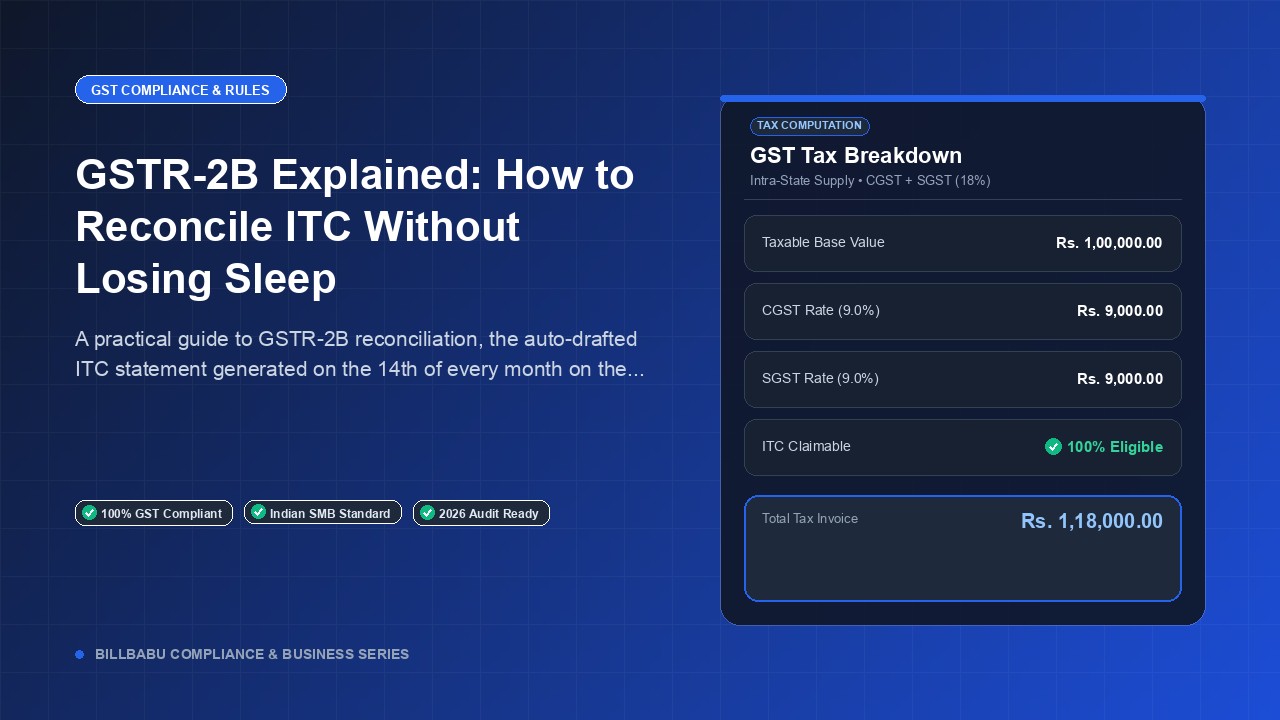
GSTR-2B Explained: How to Reconcile ITC Without Losing Sleep
A practical guide to GSTR-2B reconciliation, the auto-drafted ITC statement generated on the 14th of every month on the GST portal.
BillBabu Team
BillBabu App Team
A practical guide to GSTR-2B reconciliation, the auto-drafted ITC statement generated on the 14th of every month on the GST portal.
What GSTR-2B Is and How It Differs From GSTR-2A
GSTR-2B is a static, auto-drafted ITC statement generated on the 14th of every month based on suppliers GSTR-1, GSTR-5, and GSTR-6 filings, plus IMS imports data from ICEGATE. Unlike GSTR-2A, which keeps updating as suppliers amend filings, GSTR-2B is frozen for each period, giving taxpayers a definitive number to reconcile against. It tells you exactly how much ITC the government considers eligible for that month. Since January 2022, ITC claimed in GSTR-3B must align with GSTR-2B, making this statement the single source of truth for credits.
When and Where to Access GSTR-2B
GSTR-2B is generated on the 14th of every month for the previous tax period and is available on the GST portal under Returns Dashboard > GSTR-2B. The statement covers documents filed by suppliers between the 12th of the previous month and the 11th of the current month, regardless of the invoice date inside that window. This cut-off explains why an invoice dated the 30th may appear in the next month GSTR-2B if the supplier filed GSTR-1 on the 13th. Downloading the JSON or Excel file each month and matching it against your books is now standard practice.
How to Reconcile GSTR-2B With Your Purchase Register
Reconciliation involves matching each invoice in your purchase register against the corresponding entry in GSTR-2B, comparing GSTIN, invoice number, date, taxable value, and tax amount. Discrepancies fall into four buckets: invoice in books but not in GSTR-2B (supplier did not file), invoice in GSTR-2B but not in books (recording missed), value mismatch, and GSTIN mismatch. The first bucket is the most painful because you cannot claim that credit until the supplier files. A monthly reconciliation cadence prevents these issues from accumulating into a year-end disaster.
Common Mismatch Reasons and How to Fix Them
The most common mismatches are suppliers reporting under the wrong tax period, typos in invoice numbers or GSTINs, B2C invoices being mistakenly reported as B2B (or vice versa), and credit notes being missed by the supplier. The fix is almost always a phone call or email to the supplier asking them to amend their next GSTR-1. Holding back payments until the supplier corrects their filing is a powerful, perfectly legal lever. Many businesses formalize this by writing a GST-compliance clause into their purchase orders.
Automating GSTR-2B Matching With BillBabu
Manually matching hundreds of invoices in Excel is slow, error-prone, and not scalable. BillBabu auto-imports your GSTR-2B JSON, performs a fuzzy match against your purchase invoices on GSTIN plus invoice number plus value, and produces a clean exceptions report categorized by reason. Suppliers can be nudged via WhatsApp or email straight from the dashboard. The result is a tighter compliance loop, faster credit claims, and zero surprises when you file GSTR-3B by the 20th.
Built for Indian small businesses. BillBabu is GST-compliant billing software that helps you create invoices, manage estimates, track payments and stay audit-ready — from your phone. Learn more about BillBabu or download the app.
Tags
Related Articles
GST on Exports with EDF & Shipping Bill: Zero-Rated Supply, LUT Filing, and Invoicing Rules
8 min read
Export Declaration Form (EDF) in India: Complete Guide to RBI Rules, FEMA Compliance & EDPMS
10 min read
QRMP Scheme Under GST: Quarterly Returns, Monthly Payments Explained
2 min read
GST invoicing made easy for Indian small businesses
Create GST-compliant invoices & estimates, track payments, manage parties and inventory — all from your phone. 14-day free trial, no credit card needed.