Bank Reconciliation Statement: Step by Step for Indian Businesses
Bank reconciliation statement step by step — outstanding cheques, deposits in transit, errors and automation tips for Indian SMBs.
BillBabu Team
BillBabu App Team
Bank reconciliation statement step by step — outstanding cheques, deposits in transit, errors and automation tips for Indian SMBs.
Why Bank Reconciliation Cannot Be Skipped
A Bank Reconciliation Statement (BRS) reconciles the closing balance in your bank book with the closing balance shown by the bank in its statement on the same date. The two almost never match because cheques issued by you may not yet have been presented, deposits made by you may not yet have been credited, and the bank may have debited charges, interest or EMI directly without your knowledge. A monthly BRS is the single most important internal control in a small business — it catches employee fraud, missed entries, duplicate payments and bank errors before they snowball.
The Four Categories of Differences
Differences fall into four buckets. Timing differences — cheques issued but not yet presented (subtract from bank balance), cheques deposited but not yet cleared (add to bank balance). Bank-only items — bank charges, interest credited, EMI debited, NEFT credited by customer that you have not yet recorded (adjust the bank book). Book-only items — entries in your bank book that the bank does not yet show (rare; usually error). Errors — wrong amount entered in either book; correct the source where the error occurred.
The Step-by-Step Process
Step 1 — start with the closing balance per bank book. Step 2 — list cheques issued but not presented and add to the bank book balance (or note as "less" to get to bank statement balance). Step 3 — list deposits not yet cleared and subtract. Step 4 — add interest credited and direct customer NEFTs that the bank shows but the book does not. Step 5 — subtract bank charges, EMI, locker rent and similar bank debits. Step 6 — the adjusted figure must equal the bank statement closing balance. If it does not, search for transposition errors (difference divisible by 9) and one-sided entries.
Common Errors and Red Flags
A cheque issued but not presented for over six months becomes "stale" — RBI rules say it cannot be honoured; reverse it (debit bank, credit the original expense or creditor). A receipt entered in the bank book but never appearing in the bank statement, even after a month, deserves investigation — it may indicate an employee deposited cash into a personal account. A pattern of small unexplained bank charges may be SMS, ATM or maintenance fees you can renegotiate. Frequent reconciliation differences in just one account hint at lax controls over that account.
Automate BRS in BillBabu with Bank Statement Import
BillBabu allows you to import the bank statement directly (CSV / Excel from any Indian bank), auto-match every line with the corresponding voucher in your books, and flag only the unmatched ones for manual action. Stale cheques, missed bank charges and unrecorded NEFTs are highlighted on the dashboard. A monthly BRS that used to take half a day for a small business now closes in twenty minutes — and once reconciled, the bank balance in your books is auditor-ready.
Built for Indian small businesses. BillBabu is GST-compliant billing software that helps you create invoices, manage estimates, track payments and stay audit-ready — from your phone. Learn more about BillBabu or download the app.
Tags
Related Articles
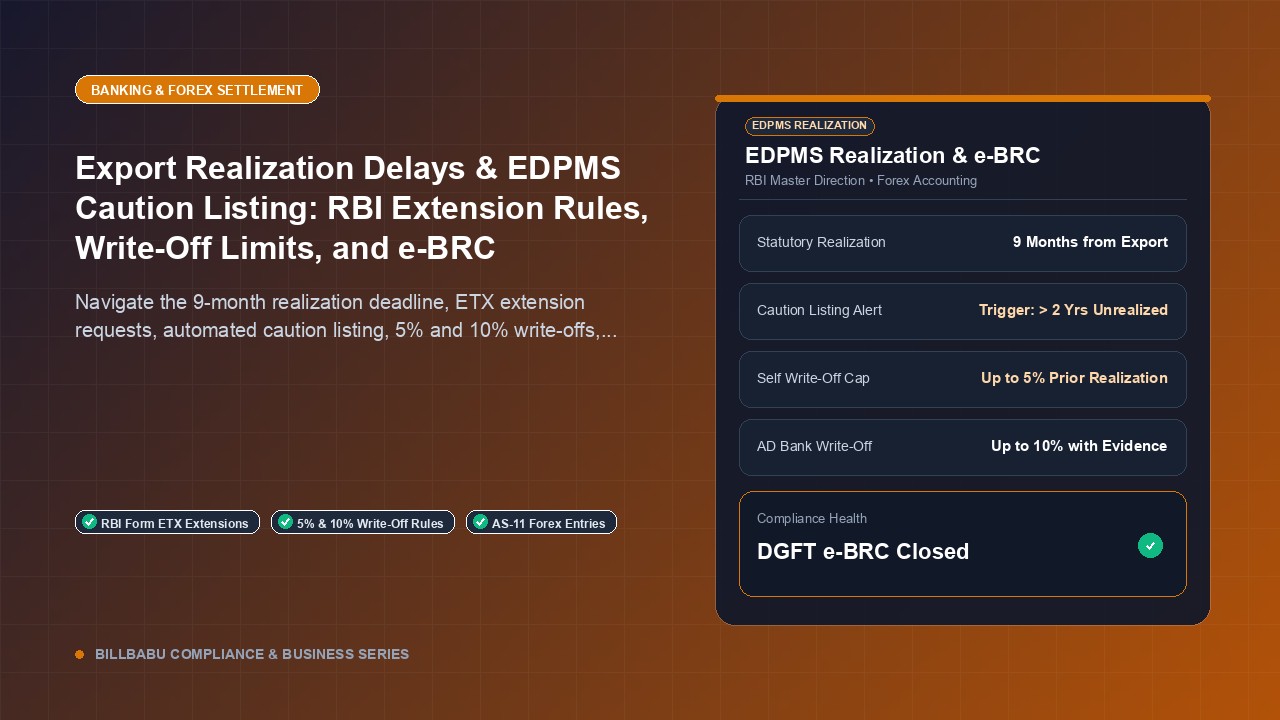
Export Realization Delays & EDPMS Caution Listing: RBI Extension Rules, Write-Off Limits, and e-BRC
8 min read
GST on Payment Gateway MDR & Daily UPI Settlements: Journal Entries, ITC, and Reconciliation Guide
7 min read
Fixed Assets Register: Format, Contents and Depreciation Schedule
3 min read
GST invoicing made easy for Indian small businesses
Create GST-compliant invoices & estimates, track payments, manage parties and inventory — all from your phone. 14-day free trial, no credit card needed.