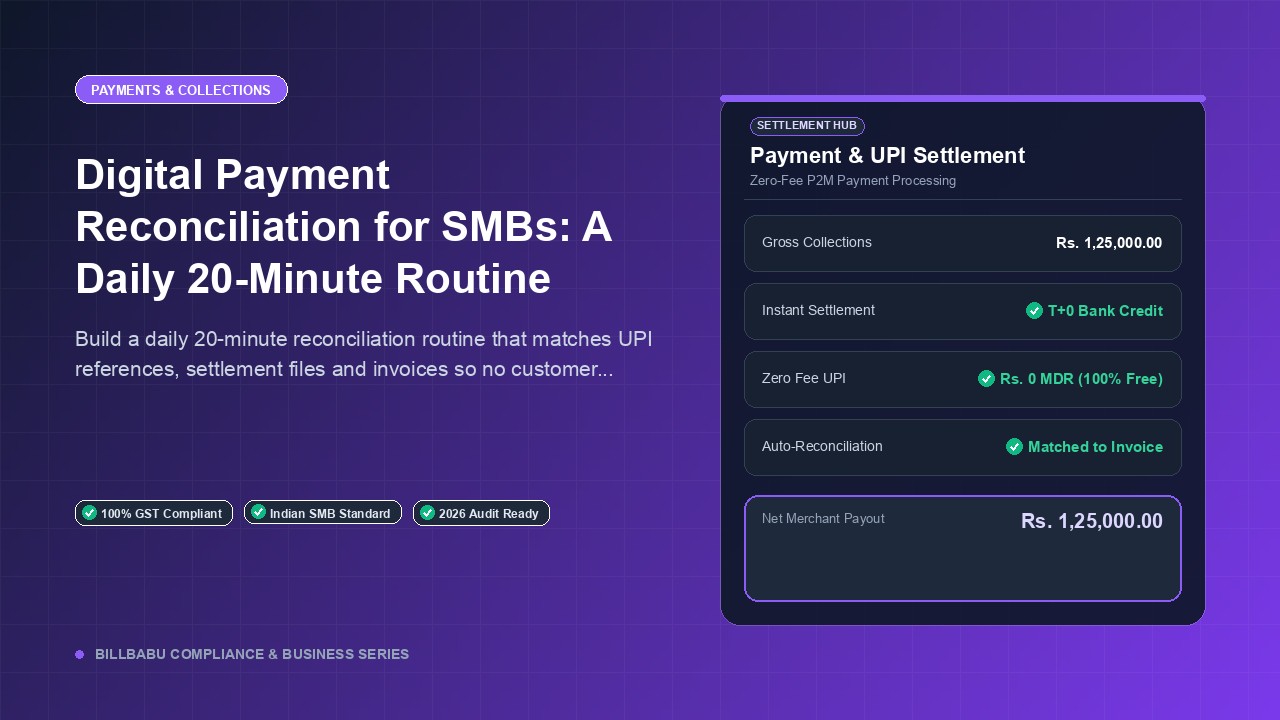
Digital Payment Reconciliation for SMBs: A Daily 20-Minute Routine
Build a daily 20-minute reconciliation routine that matches UPI references, settlement files and invoices so no customer payment ever slips through.
BillBabu Team
BillBabu App Team
Build a daily 20-minute reconciliation routine that matches UPI references, settlement files and invoices so no customer payment ever slips through.
Why Daily Reconciliation Beats Monthly
Most small businesses reconcile at month-end and discover three or four unmatched credits that took hours to chase, because the customer or salesperson has forgotten the context. Daily reconciliation, done in a 15 to 20 minute window each evening, catches mismatches while memory is fresh. It also protects you from short-credit situations where the customer paid Rs 9,850 instead of Rs 10,000 expecting you to absorb a TDS or rounding difference. Catching that on day one lets you raise a debit note before the relationship gets awkward.
The Three Sources to Reconcile
For a typical SMB the three data sources to align every day are the bank account statement, the payment aggregator settlement file, and the invoice register from your billing tool. UPI credits show up directly in the bank with a UTR or RRN, while gateway settlements show up as a single lump sum that needs splitting using the settlement report. Cash and cheque entries close out the picture and these need physical verification with the field staff or counter cashier. Building a single sheet that pulls these three feeds is the foundation of clean books.
UPI Reference and RRN Matching
Every UPI transaction generates a 12-digit RRN that the customer can share, and the same RRN appears in your bank statement narration. Train your team to record the RRN at the moment of confirming a UPI receipt, either by photographing the customer screen or by reading the SMS. For QR-based collections, the dynamic QR can encode the invoice number which then comes back in the bank narration, eliminating manual matching entirely. Static QRs need a manual amount-and-time match, which is fine for low-volume cases but breaks at scale.
Decoding the Settlement File
Payment aggregators like Razorpay, Cashfree and PayU credit you a net amount after deducting fees and GST on fees, with a T plus one or T plus two cycle. The downloadable settlement file lists every transaction in that batch with its order ID, MDR, GST and net credit, which you should import daily into your reconciliation sheet. Match each order ID to an invoice in your books, then match the aggregate net credit to the bank entry. Refunds and chargebacks appear as negative lines and need to be linked to the original invoice to keep your sales register accurate.
Automating the Boring Parts
A daily reconciliation that takes 20 minutes manually can drop to under 5 minutes when invoice references, payment links and bank statements are connected. BillBabu lets you generate a payment link per invoice, capture the UPI RRN or gateway reference against that invoice automatically when the customer pays, and produce a daily reconciliation report that flags only the exceptions. You stop chasing matches and start reviewing only what does not match.
Built for Indian small businesses. BillBabu is GST-compliant billing software that helps you create invoices, manage estimates, track payments and stay audit-ready — from your phone. Learn more about BillBabu or download the app.
Tags
Related Articles
Paytm vs PhonePe vs Google Pay Soundbox Charges: Monthly Rentals, Waivers, and Hidden Costs Compared
6 min read
RuPay Credit Card on UPI & Wallet Interchange: Merchant Charges, MDR Rates, and the ₹20 Lakh Exemption
7 min read
UPI Charges for Merchants in 2026: The Complete Guide to MDR, Limits, and Free Transactions
8 min read
GST invoicing made easy for Indian small businesses
Create GST-compliant invoices & estimates, track payments, manage parties and inventory — all from your phone. 14-day free trial, no credit card needed.